

Apps for Photographers
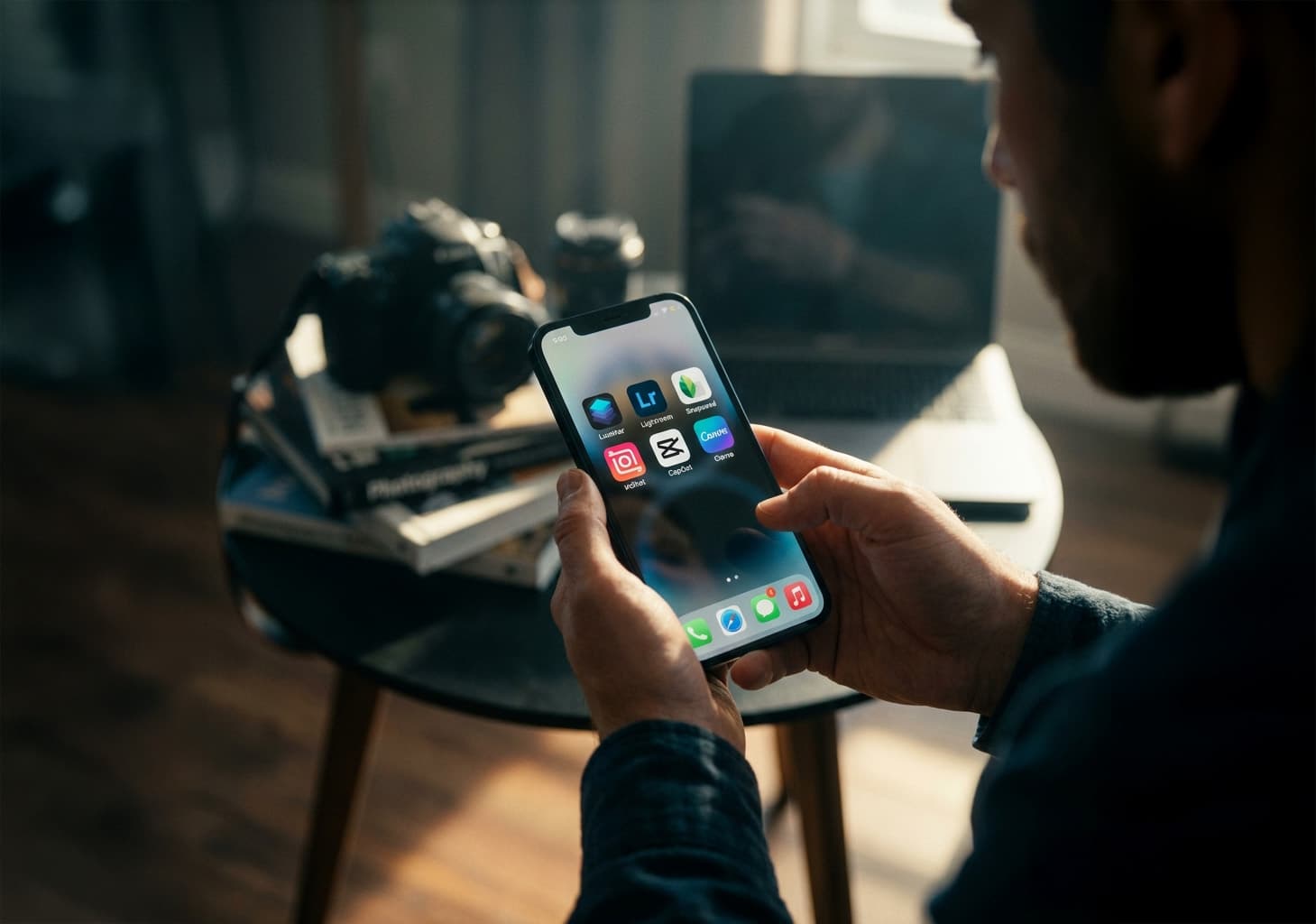
Photography without chaos, or how apps automate the life of a modern photographer
In 2026, the photographer’s profession is only 30% shooting. The remaining 70% is management, marketing, and endless Reels editing. What now distinguishes a professional from an amateur is not only gear, but also the speed and efficiency of processes.
To make work easier and to free your head and hands, we’ve created a small selection of useful apps, conveniently divided into categories:
1. Preparation Stage: The Sun Under Control
The best shoot is the one planned down to the minute. Instead of guessing where a building’s shadow will fall at 4:00 PM, use precise forecasting tools so you don’t miss the “golden hour”.
PhotoPills: Your personal map of the sun and starry sky. The augmented reality (AR) feature lets you point your phone at a location and see the sun’s trajectory on the exact day of your shoot. You’ll know precisely when golden hour begins.
Alpenglow: If you’re a landscape photographer or love dramatic sunsets, this app will notify you how good the light quality will be (and whether “pink clouds” will turn into gray fog).
Windy.com: The most accurate app for tracking cloud cover, precipitation, and wind in real time.
Golden Hour: Determines the exact time of sunrise, sunset, golden hour, and blue hour. You can save favorite locations and enable notifications for optimal shooting times.
2. Client Service: From Chaos to CRM
Notebook notes or “searching for messages in DMs” lead to burnout and lost clients. Clients value speed and service, so professional tools are the better choice.
EasyWeek or Plandok: Add an online booking link to your profile bio. Clients choose an available slot, pay a deposit, and you receive a confirmed booking in your calendar.
Notion: Your “knowledge base.” Create client cards, save Pinterest reference links for each shoot, gallery delivery links, and payment status. This is your virtual office.
SnapSign: An app for signing model releases directly on set. No more paperwork — the model signs with a finger on the screen, and you’re legally protected.
HoneyBook (or Studio Ninja as an alternative): All-in-one systems for contracts, invoices, and payment tracking.
Pix.bi: A service not only for delivering photos to clients, but also your business card in the form of a website. Look even more professional in your clients’ eyes by using our service.
3. Social Media: The Content Machine
Today, Instagram is your portfolio. But to make it work for you — and not the other way around — content must be packaged systematically.
Canva: Essential for creating stylish highlight covers, price lists, and announcements.
Planoly or Preview: Don’t post photos blindly. Upload 12–15 images into a planner to see whether your feed blends together and if close-ups alternate harmoniously with details.
UNUM: A lightweight alternative for visual planning without complex features. Lets you plan your Instagram feed and drag media files to create a perfect grid.
CapCut: The #1 standard for creating Reels. Use the AI “AutoCut” feature for fast edits synced to music or add automatic subtitles — in 2026, 80% of people watch videos without sound.
InShot: A simple and reliable editor for quickly adapting video formats to 9:16 and adding music.
Lightroom Mobile: To keep your feed cohesive, use consistent presets. The mobile version allows you to copy settings from one photo to hundreds of others in seconds.
4. Retouching on the Go
Often a client needs 1–2 photos “right now” for Stories. These apps let you perfect images without a laptop nearby.
TouchRetouch: The perfect tool to remove trash cans, wires, or random passersby from the background in seconds.
Snapseed: A free and powerful editor from Google with precise tools: curves, local masks, and perspective correction.
Lightroom Mobile: Use masks, curves, and blemish removal, and copy settings from one photo to hundreds in seconds.
Luminar Mobile: If the sky looks dull, this AI-powered app replaces it with a dramatic sunset in one tap while preserving natural reflections on objects.
What Do These Apps Give You in Practice?
Professionalism: Clients trust photographers more when they see online booking links and clear pricing.
Time savings: No more hours spent previewing Instagram feeds or waiting for a sun that never appears.
Financial control: You clearly see your income and never forget who still hasn’t paid for a shoot.